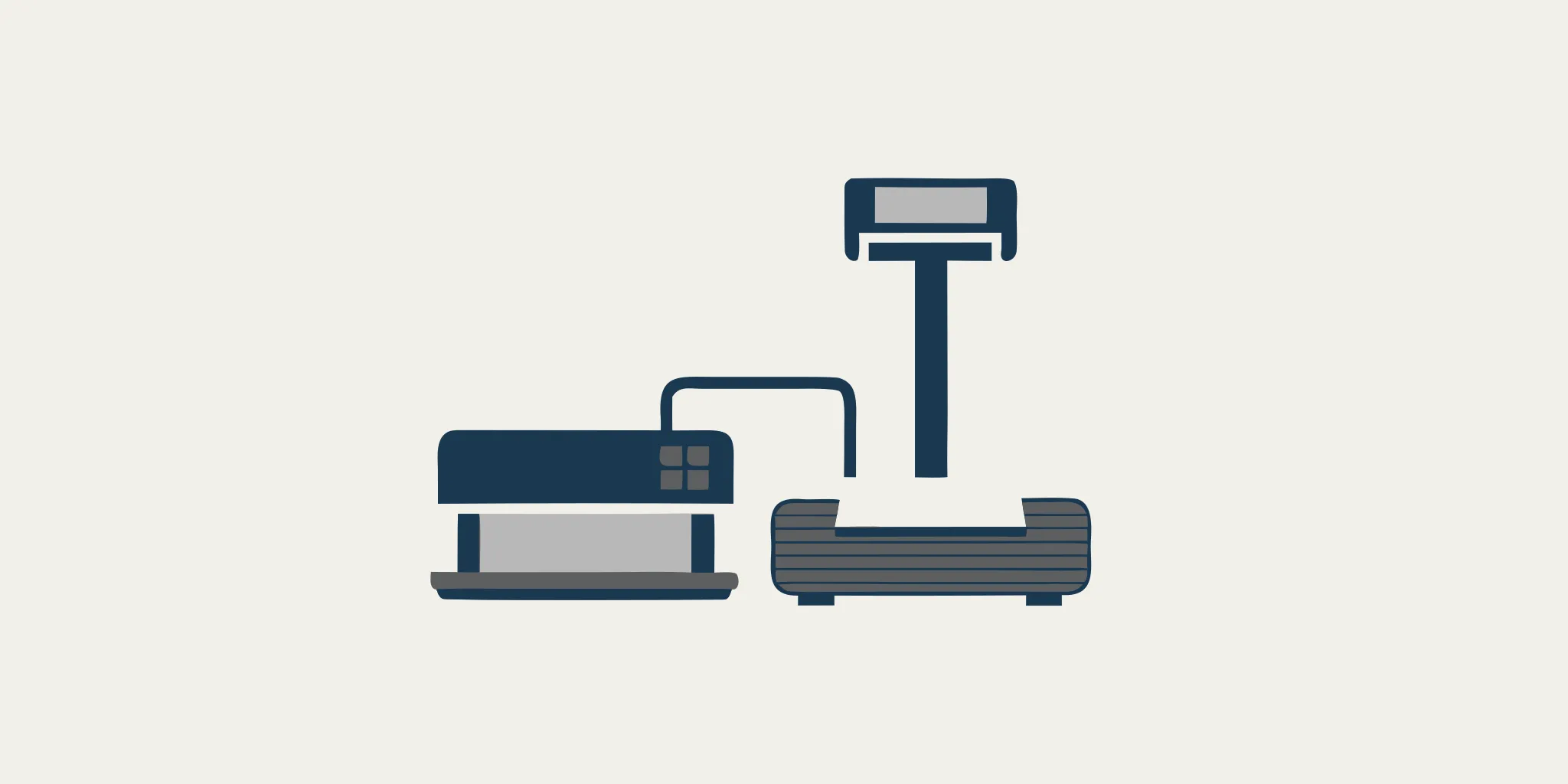
Connecting a Scale Printer to Your Commercial Equipment
Ready to connect your scale printer? This guide covers RS-232 and USB setup for linking your commercial scale to a printer. Call (215) 739-9644 for expert help.

Missing a single weight record due to poor hardware setup often leads to costly audit failures. Work weighing systems need precise links between digital indicators and printers to keep accurate logs. Penn Scale uses a 102-year heritage to help you build data systems you can trust.
A scale printer connects to a weighing tool to provide a fast paper record of weight data for labels, receipts, or logs. Most scales use an RS-232 serial port or a new USB link to send data to the printer. These printers can hit speeds of 1.58 inches per second and give clear output for work use, according to Cardinal Scale. A good setup needs the baud rate and cable settings to match between the tools. This ensures the data moves correctly. Penn Scale offers many digital indicators and exact scales that work with new printing tools for any work setting.
Ready to set up your scale printer? Call Penn Scale at (215) 739-9644 for expert guidance on cables, settings, and compatibility.
Setting up these tools correctly starts with knowing which ports and cables your model uses. We will show you the main hardware needs and the software settings for a strong link. The path begins with Understanding Scale Printer Compatibility.
Understanding Scale Printer Compatibility
Connecting a scale to a printer needs the right parts and settings. Most business units use specific ports to send weight data. You must make sure both tools can talk to each other before you buy. Penn Scale has a 102-year heritage in helping people find the right tools for their weighing work.
Common Connection Ports
Most scales for business use RS-232 serial ports to talk with printers. This is a common rule that allows for a steady flow of data. Some newer types might use USB ports, but the serial port is still the top choice for shop floors. You will often find these ports on the back of the scale screen.
Penn Scale sells digital indicators and precision scales that work well with many printer types. These units are built to handle the needs of busy food shops and factories. Using a standard RS-232 port helps make sure that your scale printer stays linked during daily work. For more on this rule, you can see the technical specs for serial printers.
Electronic and Data Needs
Good data flow needs more than just a wire. Proper grounding is a key need for serial data flow in shop scales. Without it, static or noise can hurt the signal. This can lead to wrong labels or missed prints. You should also check that the speed and data settings match on both tools.
The wiring of the wire itself is also a big part of the setup. Small parts of the code help the scale and printer manage the data flow. Proper cable wiring is a must for scale-to-printer communication and stops data loss. Making sure your setup meets these rules will keep your work fast and easy.
RS-232: The Industry Standard for Scale Printers
Most commercial scales use RS-232 serial ports to talk to printers. This standard has been a reliable choice for decades in busy food and industrial settings. It lets a scale indicator send weight data directly to a scale printer solutions without a complex network. This direct link keeps your weighing station fast and simple.

Serial port connection and cables
Connecting your gear often needs a specific serial cable. For example, the Cardinal P50 thermal printer uses an RS-232 link to print 384 dots per line. It prints at a speed of 1.58 inches per second based on data from Cardinal Scale. You must use the right wiring for your scale model. You can find technical charts for connecting scales to printers in our guides to ensure the pins match your scale port.
Baud rate and handshaking
For two tools to share data, they must use the same settings. The baud rate, or data speed, must match on both the scale and the printer. Proper handshaking is also key for clear talk between tools. Hardware handshaking, often called RTS/CTS, helps manage data flow so the printer does not get too much at once. Using the correct handshaking cables is needed for steady data transfer in a work setting.
Grounding and distance limits
RS-232 links have physical limits to keep in mind during setup. Serial cables have length limits that depend on how fast you send data as noted in technical data standards. For best results, keep cable runs short and away from power lines. You also need to ensure good grounding for the scale and printer. Proper grounding stops electrical noise from hurting your weight data or serial ports over time.
USB and Modern Scale Printer Connectivity
The way scales talk to printers has changed a lot in recent years. While old systems relied on serial ports, many new tools now use USB connections. USB is a fast and solid choice for modern scale printer solutions. It offers a plug-and-play setup that works well with modern retail and lab software. This makes it easier for staff to set up new tools without deep expert knowledge.
Simpler setup with USB ports
Old serial ports are still common, but they have limits. They need specific cables and careful settings to work. In large plants, serial cables need proper grounding to send data without noise. Modern USB ports remove many of these hurdles. A USB port can send data and sometimes even power the printer. This means you have fewer cords to manage at your work station. For a restaurant or a bakery, a clean setup is key. USB lets you connect a scale to a computer or a tablet with one common cable. Most modern scale printers offer both USB and serial ports. This gives you the choice to use what works best for your current system. If you upgrade your hardware later, you will already have the right port ready to go.
Thermal printing speed and resolution
New thermal printers are built for high speed and clear text. Most models for scale use provide a 203 DPI resolution. This high resolution makes sure that every barcode and price label is easy to read. These units can print at speeds up to 80 mm per second. Fast printing is a big win for busy food stores and delis. It keeps the flow of work moving and helps buyers get their orders fast. These printers are also very easy to keep clean and ready. Most now use drop-in paper handling. Instead of threading a roll through a series of wheels, you just drop it in and close the lid. This simple design reduces the risk of paper jams. It also means that even new workers can change the paper roll in seconds. Less downtime means your team stays active through the whole day.
Mobile and battery power options
Not every weighing task happens at a fixed desk. Some jobs, like checking stock in a large warehouse, need you to move. Portable scales often work with small thermal printers that run on a battery. These units use a rechargeable lithium-ion battery to provide hours of use. You can take your scale and printer to the loading dock or out into a greenhouse. These mobile tools are light but built to last in tough spots. They are perfect for food makers who need to track batches in real time. Penn Scale has a long history of helping pros pick the best gear for these tasks. We have spent over a century learning what works in the field. Our team helps you pick a printer that fits your specific needs, from port types to battery life.
How to Connect a Commercial Scale to a Printer
Setting up a scale printer needs the right wires and data settings. Most scale systems use a serial link to send data. Following a clear set of steps helps your weights print right with no errors.
Check your equipment ports
First, look at the back of your scale to find the port. Most scale printer solutions use an RS-232 serial port. This often looks like a 9-pin plug. Some new units might have a USB port. It is vital to know which port your scale has before you buy a cable.
Select the correct cable
You must use a cable that fits the pins on both the scale and the printer. Basic serial cables might not work if the pin wires do not match what your tool needs. For many setups, connecting scales to printers needs a special cable to handle data flow. Proper cable wiring is key for the two tools to talk, as shown by technical rules for serial data.
- Find the port type: Check if your scale has an RS-232 or USB port. Most scales use the serial port for a steady link.
- Plug in the cable: Put the cable into both the scale and the printer. Make sure the plugs are tight to avoid signal noise.
- Set the baud rate: Open the scale settings. Set the speed, parity, and stop bits. These must match the printer or the print will look like random code.
- Pick the output mode: Choose how the scale sends data. You can set it to send a weight when you press a key or when the weight is still.
- Turn on and test: Turn on both tools. Send a test weight from the scale to see if the printer works.
- Check the data: Look at the printed slip to make sure the numbers match the scale. If the paper is blank, check the cable or power.
- Fix errors: If you see an error or nothing prints, check the ground. Industrial scales need proper grounding to send data well.
Finalize the settings
Once the wire is set, the software settings must match. The baud rate is the speed at which data moves. Common speeds are 9600 or 4800. If the scale and printer have different speeds, the print will fail. Always check the manual for your direct thermal label printer to find the right speed.
Choosing the Right Scale Printer for Your Application
Picking the right scale printer depends on your work and where you use it. You must match the tool to the task to get the best results. A shipping dock needs different prints than a deli or a lab. Penn Scale offers many digital indicators and precision scales that work well with these printers. Choosing the wrong one can slow down your team or lead to lost data.
Match Your Printer to Your Workflow
Label printers are the best choice for shipping and brand needs. These units print on sticky paper that you can put on boxes or bags. For large-scale weighing, a direct thermal label printer is often the top pick. These printers use heat to make images, so you do not need ink or toner. This saves money and time in busy sites where speed is key.
Receipt printers are better for quick records of a sale. They use rolls of paper that are thin and easy to store. Many stores and delis use these to give people a list of their items and weights. These units often feature drop-in paper handling to make loading new rolls fast. This helps keep lines moving during peak hours of the day.
Consider Your Work Site
Where you place your scale matters for your print setup. In a big warehouse, you might need a mobile printer with a power pack. These units let you move the scale to the goods instead of moving heavy items to a fixed spot. If you use a long cable, you must follow grounding rules to keep your data safe. Proper wiring helps prevent errors during data transfer.
Impact printers are a good fit for heavy-duty spots. They use a ribbon and a pin to strike the paper. This makes a clear mark that can last a long time, even in heat or cold. They are louder than thermal units but tough. You can use them for work tickets or multi-part forms where you need more than one copy of the weight record.
| Printer Type | Best For | Ports | Price Range | Print Type |
|---|---|---|---|---|
| Label Printer | Shipping & Labels | RS-232, USB | $300 – $800 | Thermal |
| Receipt Printer | Retail & Deli | Serial, USB | $150 – $400 | Thermal |
| Ticket Printer | Work Records | RS-232 | $400 – $900 | Impact |
| Mobile Printer | Large Floors | USB, Wireless | $250 – $600 | Thermal |
Get Expert Help with Setup
Setting up a scale printer can be hard if you have not done it before. You need to make sure the ports match and the settings are right. A quick consultation can help you find the right fit for your current scale model. Getting expert help ensures that your new printer will work with your scale right out of the box.
The right choice will help your business run better and keep your data clean. If you are not sure which type to buy, ask a pro for advice. They can look at your work site and tell you what you need. This helps you avoid buying gear that does not fit your daily tasks.
Frequently Asked Questions
Can I use a standard office printer with my scale?
Most commercial scales cannot connect to a standard office printer because they use different data signals. Office printers usually need complex drivers and a USB or Wi-Fi link. In contrast, scale systems often use simple RS-232 serial ports to send raw text data. It is best to use a thermal or impact printer made for work use to ensure the devices can talk to each other without errors.
Does my scale printer need to be NTEP certified?
In many cases, the printer itself does not need a special seal if it only prints data from a certified scale. However, if you use the system to sell goods by weight, the whole setup must meet local laws. You should check with a local inspector to see what your job needs. Experts at Penn Scale can help you find the right tools for your work and ensure your gear is ready for use.
How do I troubleshoot a scale not printing correctly?
Start by checking the cable links at both ends to ensure they are tight. Most printing issues come from a wrong baud rate or setting in the scale menu. These settings must match the printer for data to flow. You should also verify the cable wiring is correct for your specific scale model. If the printer has power but does not react, try a test print to confirm the gear is working.
What is the maximum cable length for a scale printer?
The maximum distance for a scale printer link depends on the type of connection you use. For standard serial links, the limit is about 50 feet. Going further can lead to lost data or errors. According to technical specs, high data rates need shorter cables to keep the signal strong. If your printer must be far from the scale, you may need a signal booster or a different type of data link.
Is it time to set up your new scale printer system for your shop?
Waiting to set up your scale printer leads to slow work and messy notes that hurt your sales and stop your shop from growing fast. If you do not act now, your team will keep wasting time on data entry that causes errors and loses money for your firm. Fix these problems today by choosing the best tools to help you track your stock and keep your team focused on their tasks at hand.
Ready to get started with your new system? Call (215) 739-9644 to speak with a Penn Scale specialist about the right scale printer setup for your business and find the tools you need.